The spi9 App — Cricket, Casino & Crash in Your Pocket
Download the spi9 app APK directly to your Android phone. Under 45 MB, free to install, and ready to accept bKash deposits within minutes. No Play Store needed.
18+ · Play Responsibly · Free to install
App vs Browser: What Actually Changes
Both routes get you to the same games and the same balance. The difference shows up when you're on a slow mobile connection or mid-match. Here's a straight comparison.
| Feature | spi9 App | Mobile Browser |
|---|---|---|
| Loading speed On a 4G connection in Dhaka or Chittagong |
Faster — assets cached locally | Reloads from server each visit |
| Push notifications Match alerts, bonus reminders, withdrawal updates |
Yes — real-time alerts | No native push |
| One-tap bKash deposit Redirect to bKash app, confirm, done |
Direct app-to-app handoff | Works, but extra browser steps |
| Screen use Address bar, browser chrome, system UI |
Full screen, no chrome | Address bar takes space |
| Live cricket scorecard BPL, T20, ODI in-play updates |
Persistent widget stays on screen | Disappears on tab switch |
| Install requirement Storage, permissions, Android version |
45 MB · Android 8.0+ · Free | No install — open & play |
| Biometric login Fingerprint or face unlock on supported devices |
Supported on compatible phones | Password only |
No iOS App Store listing. iPhone users can save spi9.xyz as a Home Screen shortcut using Safari's share menu — details in the install section below.
Install the spi9 APK on Android — 5 Steps
Android blocks APK files from outside the Play Store by default. Follow these steps in order — the whole process takes under three minutes on most phones.
-
1
Allow installs from unknown sources
Go to Settings → Security (or Apps & Notifications → Special app access on newer Android). Toggle on "Install unknown apps" for your browser or file manager. This setting only applies to what you approve — it does not turn off Google Play Protect.
-
2
Download the APK file
Tap the Download APK button on this page or scroll to the download section below. Your browser will save
spi9.apk(45 MB) to your Downloads folder. Keep your screen on during the download — interruptions can corrupt the file. -
3
Open the file & tap Install
Pull down your notification shade and tap the completed download, or open your Files / My Files app and navigate to Downloads. Tap
spi9.apk. A system prompt will appear — tap Install. The installation takes roughly 20–30 seconds. -
4
Open the spi9 app & log in
Once installed, tap Open on the install confirmation screen, or find the spi9 icon in your app drawer. If you already have an account, enter your username and password. New users: tap Register — the process takes about 90 seconds. See the registration guide for details.
-
5
Deposit via bKash or Nagad & start playing
Tap Deposit in the app, choose bKash or Nagad, and enter an amount (minimum ৳150). The app hands off to your bKash app for PIN confirmation. Funds arrive within about 2 minutes. Your welcome bonus — up to ৳27,500 on the first deposit — is credited automatically after the transaction settles.
What You Can Play in the spi9 App
The spi9 app carries the full game library — over 6,000 titles from seven providers. The six categories below run natively in the app without needing to redirect to a browser window.
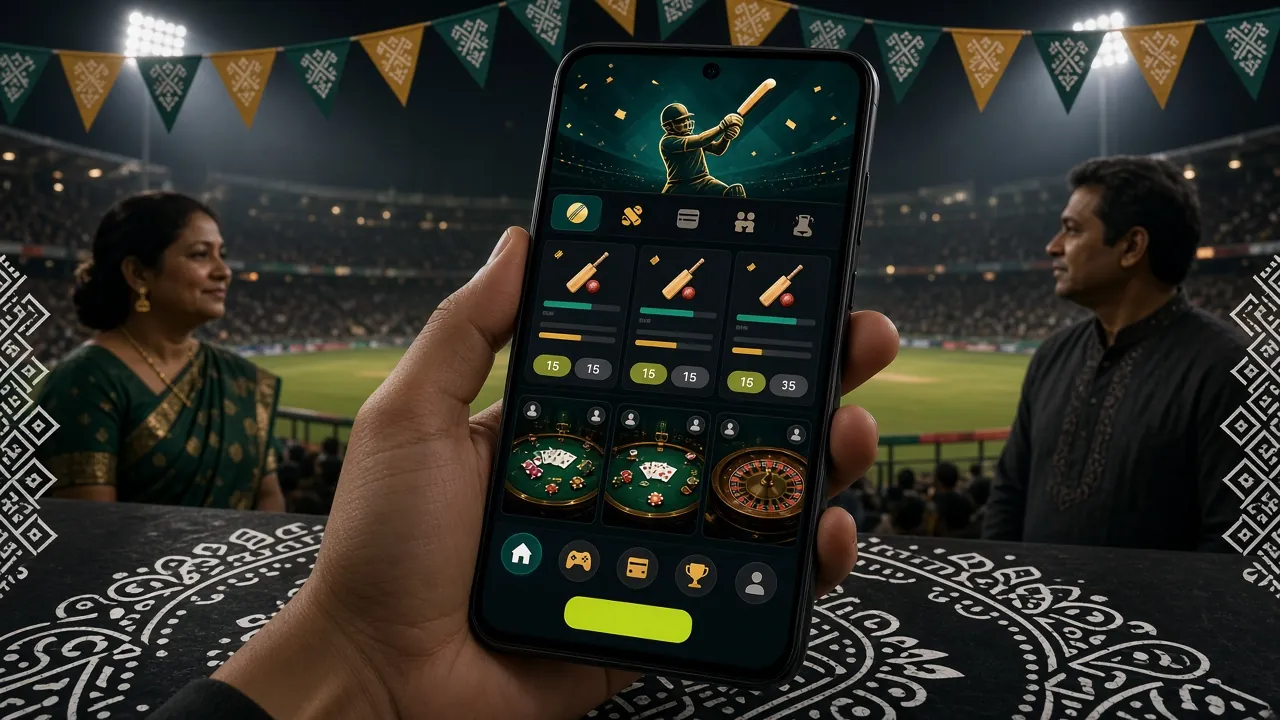
Cricket & Sports Betting
Bet on BPL, IPL, T20 and ODI matches with live in-play odds that update ball by ball. The app keeps the scorecard widget visible while you browse other markets. BDT minimum bet starts at ৳10. Pre-match and in-play markets are both available.
Live Casino Tables
Stream real dealers in HD from Evolution and Ezugi studios. European Blackjack (RTP 97.7%), Teen Patti 20-20, and Baccarat run smoothly on mid-range Android phones with a 4G connection. Tables are open around the clock — no waiting for a seat.


Fishing Games
3 Gods Fishing (Playtech), All-Star Fishing (JDB), and King of Fishing (Evolution) are touch-optimised — tapping to aim feels natural on a phone screen. Stakes range from ৳1 to ৳50,000. Multipliers vary by fish type and cannon level.
Teen Patti & Card Games
Teen Patti 20-20 (Evolution, RTP 95.4%) and Teen Patti (JDB, RTP 96.4%) both run in landscape mode inside the app. Join a table with ৳2, play a round in under a minute. Perfect when you have a few minutes between tasks — no long session required.
Security & Permissions the App Requests
The spi9 APK requests four permissions at install time. Each one has a direct purpose — the app does not request access to contacts, camera, or microphone.
SSL Encryption on All Data
All traffic between the spi9 app and its servers travels over TLS 1.3. This covers login credentials, deposit requests, withdrawal confirmations, and bet slips. The APK file itself is signed with a unique developer certificate — installing a tampered copy will produce a signature mismatch error and block installation.
Internet Access Permission
Required to load games, stream live dealer video, and process bKash or Nagad payments. The app connects only to spi9 servers and payment gateway endpoints — no third-party ad networks or analytics SDKs that would send personal data to outside companies.
Notification Permission
Used to deliver withdrawal confirmations (typically within 13 minutes of request), deposit receipts, and optional promotional alerts. You can manage or turn off notifications at any time in your phone's Settings → Apps → spi9 → Notifications without affecting gameplay or transactions.
Storage Read / Write
Needed only to save the APK during an update. The app does not read photos, documents, or files outside its own data folder. On Android 10 and above, storage access is scoped — the app cannot browse your gallery or download folder without an explicit file picker prompt triggered by you.
Download spi9 APK — Version Info
spi9.apk
Android — Free
Scan with your Android phone camera to go straight to the download page — no typing required.
System Requirements & Version Details
| Version | 3.2.18 |
| File size | 45 MB |
| Minimum Android | Android 8.0 (Oreo) |
| Last updated | 6 November 2026 |
| Price | Free |
| Languages | English / Bangla |
| iOS support | Home Screen shortcut only |
| Source | spi9.xyz (official) |
Common Installation Problems & How to Fix Them
Most installation failures come down to one of five causes. Find your error message in the table below and follow the fix — support chat is available 24/7 if none of these resolve it.
| Problem | Likely Cause | Fix |
|---|---|---|
|
"Install blocked" or "Not allowed" System dialog appears immediately after tapping the APK |
Unknown sources permission is off for the app you used to download the file (browser or file manager) | Go to Settings → Apps → [your browser], tap Install unknown apps, and enable it. Then try opening the APK again. You only need to do this once per browser. |
|
"Parse error" or "There was a problem parsing the package" Error appears during installation, not before it starts |
The APK file downloaded with missing or corrupted data — usually caused by a dropped connection mid-download |
Delete the existing spi9.apk from your Downloads folder, reconnect to a stable Wi-Fi or 4G network, and download fresh from spi9.xyz/spi9-app/. Do not pause the download.
|
|
"App not installed" after tapping Install Progress bar completes but install fails at the end |
An older version of the spi9 app is already on the phone and the certificate of the new APK does not match the cached one | Uninstall the existing spi9 app first (Settings → Apps → spi9 → Uninstall), then install the freshly downloaded APK. Your account data is stored server-side — uninstalling does not delete your balance or history. |
|
App installs but crashes on opening Splash screen appears then app closes immediately |
Device runs Android 7 or below, which is below the minimum requirement of Android 8.0 | Check your Android version at Settings → About phone → Android version. If it is below 8.0, use the mobile browser at spi9.xyz instead — the website is fully functional on Android 7 browsers with no installation needed. |
|
APK downloads but nothing happens when tapped File manager opens but no install prompt appears |
The file saved with a wrong extension (e.g. .apk.crdownload) because the download was interrupted before it completed
|
In your file manager, enable "Show hidden files" or check the full filename. If the extension is not exactly .apk, delete it and re-download. Ensure your phone has at least 100 MB of free storage before starting.
|
Still stuck? Open spi9.xyz in your browser and start a live chat — agents are available every hour of the day.
Questions About the spi9 App
Answers to what players ask most before and after downloading. If your question is not here, live chat responds in under two minutes.
Is the spi9 APK file safe to install?
Yes — the APK hosted at spi9.xyz/download/spi9.apk is the only official build. It is signed with a verified developer certificate, so Android will reject any modified copy that does not match the original signature. The app does not request access to your contacts, photos, or microphone. All connections use TLS 1.3 encryption. If you download from spi9.xyz directly, you are getting the same file that has been available since version 3.2.18 was released on 6 November 2026. Avoid APK mirror sites — they may bundle additional software.
Why is the spi9 app not on Google Play?
Google Play's policies restrict real-money gambling apps in Bangladesh, so distributing the spi9 app through the Play Store is not possible under current rules. This is standard practice across the industry — most licensed betting platforms in South Asia distribute their Android apps directly via APK. The APK route gives spi9 more flexibility to push updates quickly. Installing from the official site carries no additional risk compared to Play Store distribution, provided you download only from spi9.xyz.
How do I update the spi9 app when a new version comes out?
The app checks for updates automatically each time it opens. When a new version is available, a prompt appears on the home screen with a one-tap Update Now button. Tapping it downloads the new APK in the background — you do not need to visit this page again. If you dismiss the prompt or are on a slow connection, you can always return to spi9.xyz/spi9-app/, download the latest APK, and install it over the existing app. You do not need to uninstall first for updates — only for the initial install when replacing a mismatched version.
Can I use the same account on both the app and the browser?
Yes. Your spi9 account is stored on the server, not on your device. Your balance, active bonuses, bet history, and withdrawal records are identical whether you log in through the app or a browser tab. You can start a sports bet on the app during a commute and check the result later in a desktop browser — everything syncs instantly. There is no separate "app account" to create. Use the same username and password you registered with at spi9.xyz/spi9-register/.
What is the minimum deposit through the app, and how long does it take?
The minimum deposit is ৳150 regardless of which payment method you use — bKash, Nagad, Rocket, or Bank Transfer. When you deposit via bKash or Nagad through the app, the handoff to the payment app is direct and funds typically appear in your spi9 balance within about 2 minutes of confirming the transaction. Bank transfers take longer depending on your bank's processing time. The first-deposit bonus — up to ৳27,500 at 165% — is applied automatically once the deposit settles.
How fast are withdrawals through the app?
Withdrawal requests submitted through the app are processed in approximately 13 minutes on average for bKash and Nagad. The minimum withdrawal is ৳1,000 and the daily limit is ৳1,55,000. First-time withdrawals may take up to 2 hours because KYC verification runs before the initial payout. You will need to submit a National ID Card, Passport, or Driving Licence — review takes up to 6 hours. After KYC clears, all subsequent withdrawals go through at the standard speed. See the withdrawal guide for the full process.
Does the app work on tablets and older Android phones?
The spi9 app is optimised for phones but also runs on Android tablets running Android 8.0 or above. The layout adapts to wider screens — game cards display in more columns, and live casino tables use the extra width for a larger video feed. On older phones (Android 8.0 to 9.0), performance is functional but live HD dealer streams may buffer on slow connections. Dropping video quality to Standard in the app settings resolves most buffering issues on 3G. Phones below Android 8.0 should use the mobile browser at spi9.xyz instead.
Next Steps After Installing
The spi9 app is for adults aged 18 and over. Gambling is entertainment — set a deposit limit before you start, and take a break if it stops being fun. You can self-exclude or set session limits at any time from the app's account settings.
Responsible Gaming Tools